For the classic Yucatán route, a data-only eSIM is enough: at Saily, 1 GB for 7 days costs $4.99 and 3 GB for 30 days $9.99 (prices from Saily’s page, read on 6 October 2026). Install it at home on wifi a few days before you fly; according to Saily, the plan starts on its own when you arrive. The biggest trap is the network: comparison sites say Saily does not state clearly which Mexican carrier it uses, and on Holbox, around Bacalar or away from the roads that can make all the difference.
The essentials in numbers (read on 6 October 2026, sources in the text):
- Saily Mexico: 1 GB / 7 days $4.99 · 3 GB / 30 days $9.99 · 10 GB / 30 days $23.99 to $24.99 (Saily’s page and two comparison sites).
- Local alternative: Telcel prepaid chip, 3.5 GB / 30 days around 200 MXN – with registration by passport.
- Reviews: 4.7 out of 5 on Trustpilot, 31,983 reviews.
- The network: comparison sites say Saily does not state it clearly; Telcel has the best coverage according to Opensignal.
What to book – and when
If you drive the classic Yucatán route – Cancún, Playa del Carmen, Tulum, Valladolid, Chichén Itzá, as in our two-week road trip itinerary – you usually do not need a Mexican phone number. A data-only eSIM is enough: a plan that loads onto your phone as a profile. No plastic card, no counter on arrival, no SIM swap.
Full guide: Renting a Car in Yucatán: Insurance, Deposit, Real Prices
How much data? That depends on you, so this is a rule of thumb, not a measurement: for two weeks of maps, messaging and photos, 3 to 10 GB for 30 days is a sensible starting point. If you stream video on the move, navigate by GPS non-stop in the rental car or share the connection with a laptop, go up a step. The Mexico plans from Saily start, per Saily’s page, at $4.99 for 1 GB and 7 days; the prices of several tiers are further down.
Timing is simple: order a few days before you fly and install at home on wifi. According to the extract from Saily’s page, plans have a 180-day activation window and start by themselves when you arrive in the country, provided the eSIM is switched on in the settings and roaming is enabled.
eSIM, local SIM or roaming?
Four routes lead to mobile internet in Mexico. The table sets them side by side; sources and price dates are in its caption.

| Option | Price (read on 6 Oct 2026) | Network | Worth knowing |
|---|---|---|---|
| Data eSIM (Saily) | 1 GB / 7 days: $4.99 · 3 GB / 30 days: $9.99 | not named before purchase (sources: AT&T, Telcel or both) | Installable before departure · hotspot allowed · no Mexican number |
| Telcel prepaid chip | chip alone 29 to 149 MXN · 3.5 GB / 30 days: 200 MXN | Telcel | You swap your SIM card · registration with your passport · a Mexican number |
| SIM kiosk at Cancún airport | about 200 to 600 MXN for 3 to 15 GB | depends on the seller | 30 to 50% above the price at OXXO · sources disagree on whether a Telcel counter exists |
| Roaming on your home plan | per your operator’s price list | the network your operator uses | EU roaming at domestic prices does not apply in Mexico |
The local card has a real advantage: a Mexican number and often plenty of data for little money. The price is the effort. The card has to go into your phone, and Telcel requires foreigners, per its own page, to register with a valid passport or a temporary CURP; an unregistered line is suspended and can only reach emergency numbers and customer service.
Where to get the card at the airport is unclear: a travel blog (5 October 2026) does not believe there is a Telcel outlet at Cancún airport, while extracts of a web search on 6 October mention Telcel shops in Terminal 3. The sources contradict each other.
Full guide: Cancún Airport Transfer to Tulum and Playa del Carmen
Roaming on your home plan is the most convenient option, since there is nothing to install. According to the European Commission, “Roam like at Home” covers the 27 EU countries plus Iceland, Liechtenstein, Norway, Ukraine and Moldova – not Mexico.
Telcel or AT&T: which network matters?
A travel eSIM owns no masts: it borrows a Mexican network. There are two main ones: Telcel and AT&T. According to one comparison site (20 September 2026), Movistar is now only a brand whose traffic runs on AT&T’s infrastructure.
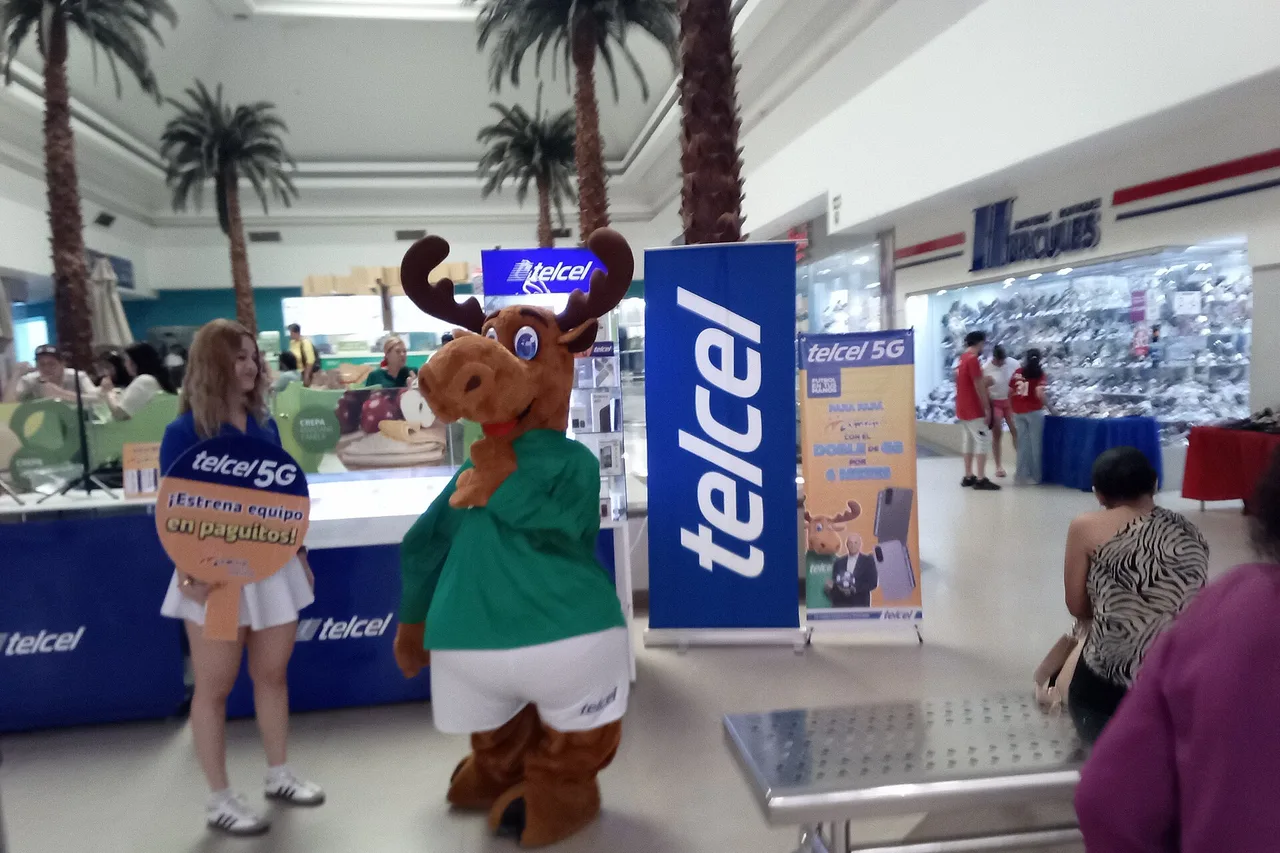
For measurements we rely on Opensignal. In the most recent Mexico report we could find (October 2025; the page blocks robots, so we know it only through a search extract), Telcel remains unbeaten for coverage: 8.8 out of 10. Opensignal does, however, measure the operators’ own subscribers, not travel eSIMs.
On the coast the picture is friendlier. Along the Cancún – Tulum corridor, Telcel delivers “excellent 4G LTE” according to a practical guide (9 July 2026), and AT&T does well in Playa del Carmen and Tulum town. If you stay between Cancún, Playa del Carmen and Tulum, either network should therefore do. The difference shows up elsewhere.
Cenotes, Chichén Itzá, Holbox: where the network matters
As soon as you leave the coast road, the picture changes. The same guide writes that away from the main roads the signal weakens: jungle cenotes and small villages may have only 3G, or dead zones. We found no measurement of the signal at any single cenote. For the best cenotes in Yucatán and the road to them, plan to manage without a network: download maps and tickets beforehand.

The clearest case is the islands. According to two comparison sites (Traveltomtom, September 2026; esim4.com, October 2026), Telcel is the only network you can count on at Holbox; for Bacalar too, esim4.com names Telcel. Both sites sell or recommend eSIMs themselves, so we give this as a pointer, not a measurement. If Holbox is on your list – our comparison Holbox or Isla Mujeres helps you choose – you should know that before buying.

For Chichén Itzá and the road inland we found no dated measurement. That is neither a warning nor a guarantee, just a gap: if you navigate there, download the offline map first (Google Maps or Maps.me), as the guide advises.

The prices: what Saily charges for Mexico
Saily’s page blocks robots, so we could not read it ourselves. The table sets the extract from that page beside two comparison sites that also sell eSIMs.
| Plan | Saily page (extract, 6 Oct) | esim4.com (Oct 2026) | PCTechMag (29 Aug 2026) |
|---|---|---|---|
| 1 GB · 7 days | $4.99 | $4.99 | $4.99 |
| 3 GB · 30 days | $9.99 | $11.99 | not listed |
| 10 GB · 30 days | not in the extract | $24.99 | $23.99 |
The gaps ($9.99 or $11.99 for 3 GB, $23.99 or $24.99 for 10 GB) are small, but they show that prices move. Unlimited plans exist too; the sources give $43.99 and $48.99 for different durations, so we quote none. To pair Mexico with the USA or Canada, one Saily page title also advertises a North America plan from $5.99.
What comes with it, per the extract from Saily’s page: hotspot without restriction and round-the-clock support. On bigger volumes Saily is not the cheapest: for 10 GB / 30 days, PCTechMag gives $15.50 at Nomad and Traveltomtom about $17 at Airalo. If you only need 1 to 3 GB, Saily’s smallest plan is $4.99 in all three sources.
There are still reasons to pick it: on Trustpilot, Saily stood at 4.7 out of 5 across 31,983 reviews on 6 October 2026, and the company replies there within 24 hours as a rule, according to Trustpilot. Saily is a service of Nord Security, the company behind NordVPN. In the overall budget the eSIM is a small item – see the two-week road trip budget. Compare anyway: that is what the table is for.
Line registration in 2026: what applies to a traveller
Since 9 January 2026, Mexico has required mobile lines to be linked to an ID. For foreigners, according to Telcel, that can only be done with a valid passport or a temporary CURP.
A travel eSIM, by contrast, works by roaming on the Mexican networks. According to La Razón (6 October 2026), foreign eSIMs today do not go through the same registration process as national cards, as the regulator CRT put it on 14 September.
What comes next is open. According to Imagen Radio (15 September 2026), the CRT states that foreign eSIMs are not exempt in principle; the mechanism for linking roaming lines is to be set after the World Cup, and for now there is no regulation. So today no registration is needed; whether that lasts is undecided. The World Cup ended on 19 July 2026, and we found no published rule as of 6 October. Check shortly before you leave.
The traps, and how to avoid them
A compatible, unlocked phone. According to Apple, the iPhone XS, XS Max, XR and all later models support eSIM. To use two carriers, you need an iPhone unlocked by its carrier, or both plans from the same carrier. On Android, check the settings before paying, not on landing.
No Mexican phone number. The Mexico plans are data-only. Calls and messages go through WhatsApp and the like. According to its help centre, Saily offers an optional US (+1) number; it does not replace a Mexican one. The CRT itself points out that many data eSIMs do not replace a line able to receive calls and authentication codes, and that prolonged or permanent use outside the home country may be restricted (El Tiempo MX, 15 September 2026). If your bank sends an SMS, keep your home SIM active or plan for a local number.
Data roaming on your home SIM. Turn data roaming off on your home SIM, or your operator’s charges apply; you use the eSIM with roaming switched on.
The network is not announced. PCTechMag lists AT&T and Telcel for Saily, esim4.com writes of a hop between Telcel, AT&T and Movistar depending on signal, and Traveltomtom and esimfox complain that the network is not disclosed before purchase. We read that as an open question. Ask customer support, before paying, which network the plan uses on your route.
Before you pay: the checks
Five questions, five minutes:
- Does my phone qualify? eSIM-capable and not carrier-locked.
- Which network? If the route takes in Holbox, Bacalar or back roads, ask customer support first.
- How much, for how long? The GB, the days and when the clock starts.
- Is hotspot allowed? Important for a laptop or a shared line.
- Final price? The amount at checkout is what counts, not the one in a comparison.
Then it is simple: at home on wifi, open the QR code or link from the order and add the profile in the settings. Leave the line off until you land, then switch it on, enable data roaming for it and move mobile data onto it.
When another solution is better
If your trip takes in Holbox, Bacalar or back roads through the jungle, a plan whose provider explicitly names Telcel is safer – or a Telcel chip that you register with your passport. If you need a Mexican number, for a landlord or SMS codes for instance, a data-only eSIM is not the right tool anyway. And if you need far more than 10 GB, compare the prices of the larger plans.
If your route stays on the coast and in the towns, the sum is simple: a data eSIM of 3 or 10 GB for 30 days, installed at home, switched on at landing. The Mexico plans from Saily are one way to do it; check the network and the price on the order screen before paying.