A phone gets lost, falls in the water, or is simply replaced one day. And everything written down only there goes with it: the week’s plan, the places set aside, the notes taken in the evening. That is the problem the app account solves — and it is also what recognises your purchase, on every device. Everything else, including the places sorted by mood, stays stored on the phone itself.
Budget tip: in Mauritius, some of your activities can cost you less. See how to save money on your activities.
I am French, I live in Mauritius, and I built Moris Insider, the island’s guide and map. This article covers a single feature: the account and syncing — why it exists, how it behaves when two devices disagree, and above all what it does not do.
On the phone, everything stays with you
That is the starting point, and it is not up for negotiation: the app is usable end to end without ever handing over an email address. Spot pages, sea conditions, the weekly plan, the travel journal: all of it runs, and all of it is stored in the phone. Nothing leaves it.
That choice carries a consequence worth owning: if the device disappears, the data disappears with it. Two weeks of a trip noted day after day will not turn up on a new phone. The account is the answer to that sentence, and to nothing else — not a sign-up to send you marketing, not a checkbox to unlock a feature.
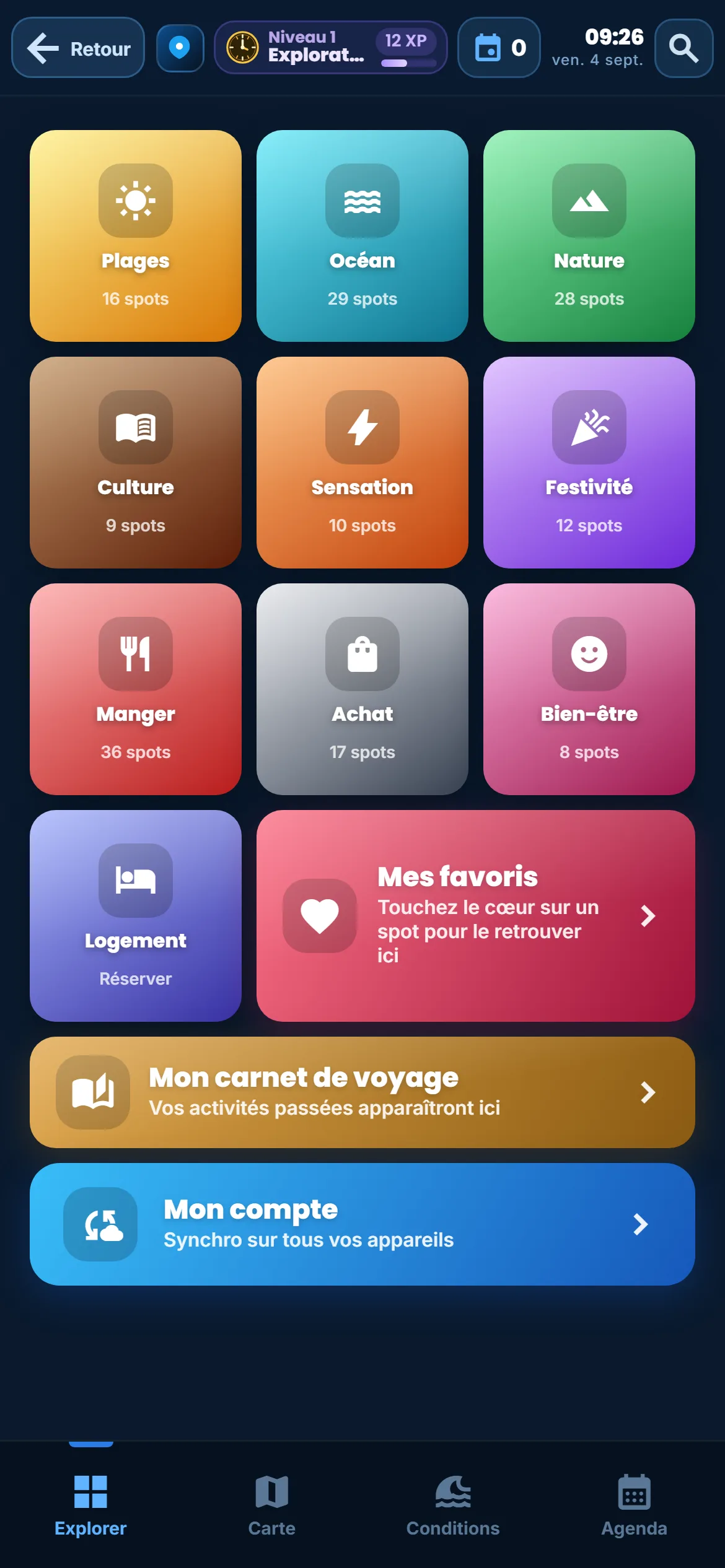
Two screens are the exception, and it is better to know before opening them. The interactive map asks for an account: it is what recognises your purchase on every device. And the app itself needs the account to be recognised anywhere other than the device it was bought on — otherwise paying once and changing phone would mean losing everything.
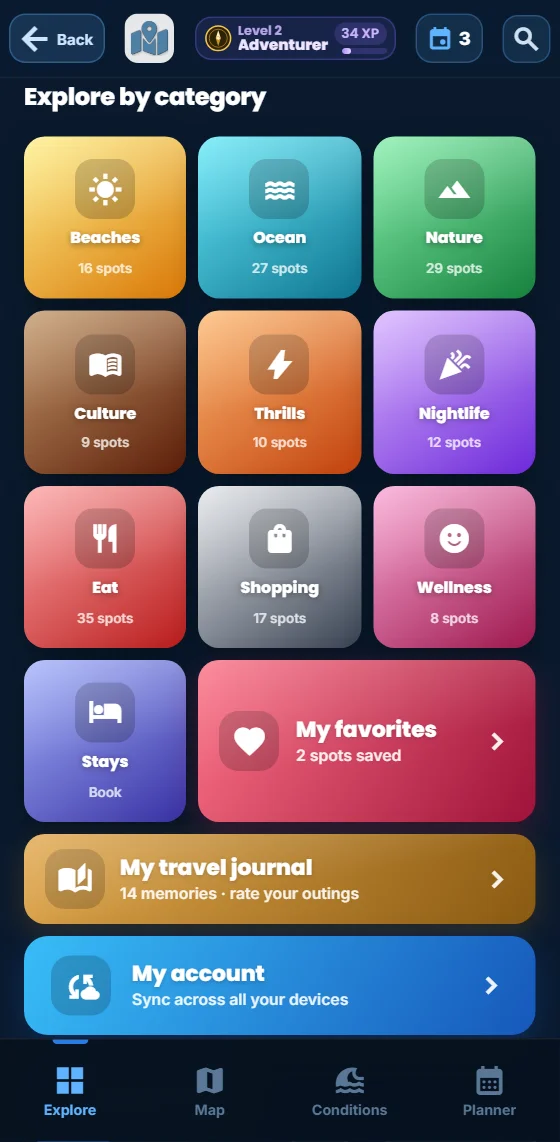
A six-digit code, and why not a link
This is the decision I am happiest with, and it did not come from thinking about security: it came from real use that did not work.
The first version sent a sign-in link by email — the most common method, the one found everywhere. On paper it is perfect: you tap, you are signed in. On a phone, no. The link opens in the browser, never in the app installed on the home screen. The session therefore landed in one place while the app was in another: you reopened the app and you still were not signed in. I saw exactly the same behaviour on Android and on iPhone. Seen from outside, that is called "signing in is broken".
Hence the switch, in July 2026, to a six-digit code. The principle is dumb and that is its virtue: the code is typed inside the app. There is no hop from one program to another, so no session lost on the way. The email carries the code and the link: anyone who prefers to tap still can, but nobody has to in order to sign in.
In practice the screen asks for an address and a password of at least six characters, plus agreement to the terms. If the account already exists and the password is right, sign-in is immediate, with no code at all. Otherwise a code goes out by email, and the password entered is saved once that code is validated — so a single screen covers account creation, signing in, and a forgotten password.
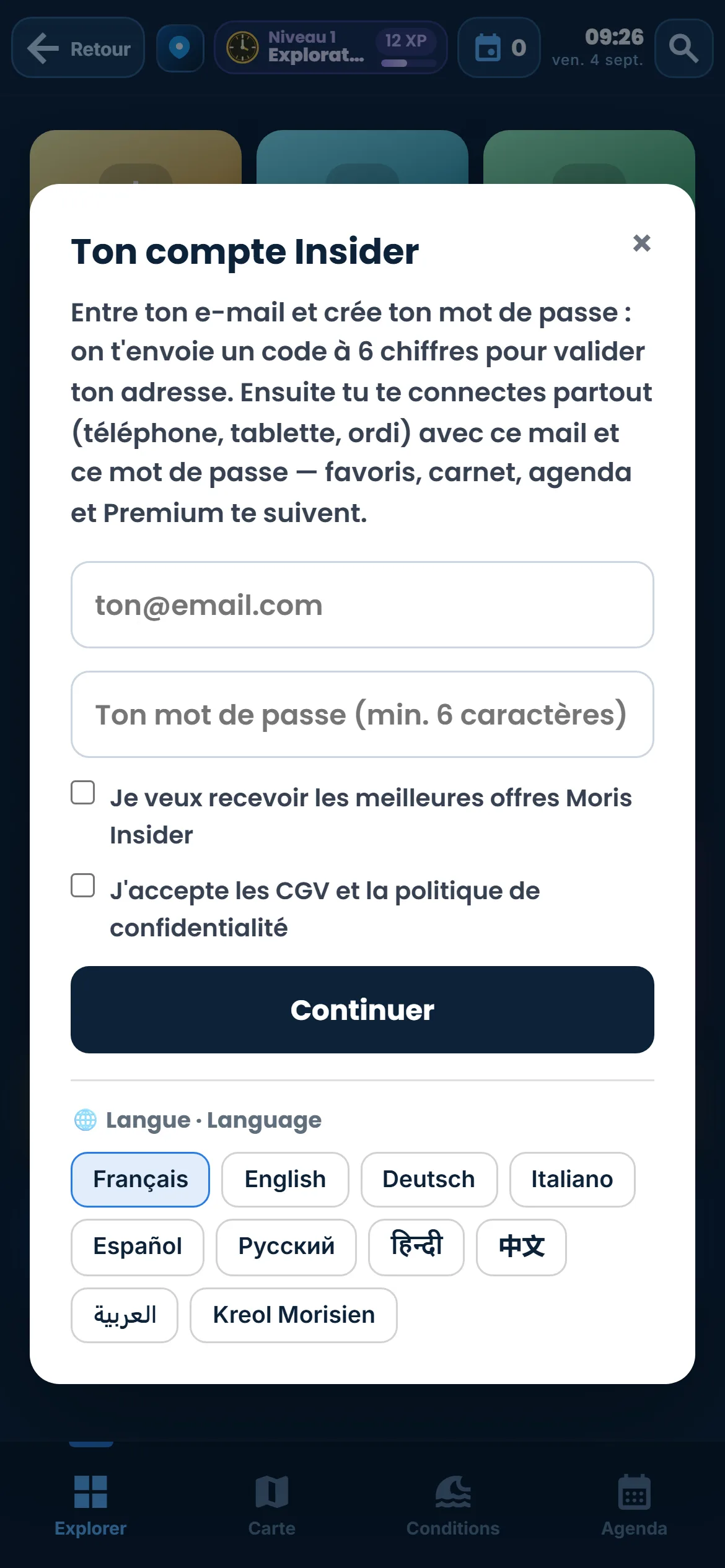
One detail visible in that image deserves saying, because it is rare elsewhere: the marketing box is unticked, and it stays that way until someone touches it. A pre-ticked box is not consent, it is consent taken — European rules forbid it, and above all I find it a poor way to start a relationship.
What actually follows you across screens
A sync that does not say what it carries is an empty promise. Here is the list, unrounded. The weekly plan follows in full: that is the subject of our article on the "My week" planner, and it is what people most often build on a large screen before living it on a phone.
Then come the places set aside — the reserve you dip into in the morning when the weather decides otherwise — and they turn up untouched in your saved places on the next device.
Next is the travel journal, with its written notes and its stars: what was lived and rated on the spot turns up identical elsewhere, and you can carry on writing in the evening on a tablet what you started in the morning on the phone. How the journal works is covered in our article on the travel journal, and you reach it from the journal in the app.
That leaves the experience points and the level they raise, plus your access to the app. Those two follow precise rules, because each carries a promise: a level must never go backwards, and access paid for once must be recognised everywhere.
The rule for points fits in two sentences. The total kept is the higher of the two — the device or the account: it never goes down. And the gains already earned are pooled, so the same points cannot be earned twice simply by switching screens. It is the same progression logic as the activities you schedule, where every place added earns points without being asked for.
As for the app, it is recognised on every device signed in to the same account. The display checks two things rather than one: that the access exists, and that it has no expiry date in the past. The real barrier stays on our servers, where the clock cannot be wound back — winding back a phone clock is within anyone’s reach, and trusting it would have been naive.
When two devices disagree
This is the invisible part, the one noticed only when it is done badly. The trap has a name: deletions. A naive sync gathers what it finds on both sides and keeps the lot. The result is immediate and dispiriting: every erased activity comes back at the next sign-in, resurrected by the other device that still had it. You erase, it returns. You erase again, it returns again.
The lazy fix is to compare dates: most recent wins. It does not hold up. A phone’s clock is whatever its owner gives it — off by a time zone, moved forward by hand, reset after a flat battery. Comparing two device clocks means making your memories depend on a setting.
So the app never compares two clocks. It keeps two simple things: what the server had already shown this device, and whether this device has changed anything since. That is enough to settle the three real situations. If the device changed nothing and the account moved, it adopts what comes from the account — and deletions made elsewhere finally apply. If the device changed something and the account did not move, it is the reverse: the local data goes up to the account, deletions included. And if both changed at once, a rare case, everything is kept: better a duplicate to remove in one gesture than an evening lost.
You will never see any of this. That is exactly the point: a sync that works is not noticed, it merely makes nothing disappear. And if you build your days from the island map as in our article on the timed road trip, it is the same mechanism that brings the whole route back on the phone the next morning, with nothing to re-import.
What syncing does not do
This is the part I care most about writing, because a hidden limit is a guaranteed nasty surprise.
Journal photos do not sync. They stay on the device that took them. The reason is mundane: a photo weighs hundreds of times what a written note weighs, and pushing them through the database would make every sign-in slow and costly for everyone. In practice, changing phone brings back your days, your notes and your stars, but not the images that went with them. If they matter, save them to the phone gallery, which is built for that and which your own backups already cover.
The guard against points farmed in a loop stays per device. That safeguard stops the same points being collected by repeating the same gesture; it does not travel with the account. It is an accepted trade-off: making it circulate would have weighed down every exchange to guard against an abuse whose stake is a displayed level.
And the account is not a backup. It carries across what the app knows how to carry, between devices signed in to the same account — it is a bridge, not a safe. The day a trip really matters, a share image or a screenshot remain the surest way to keep it outside any app, mine included.
Your things follow you
One six-digit code, and the planner, saved places, journal and your access find you again on every device.
Discover the app →