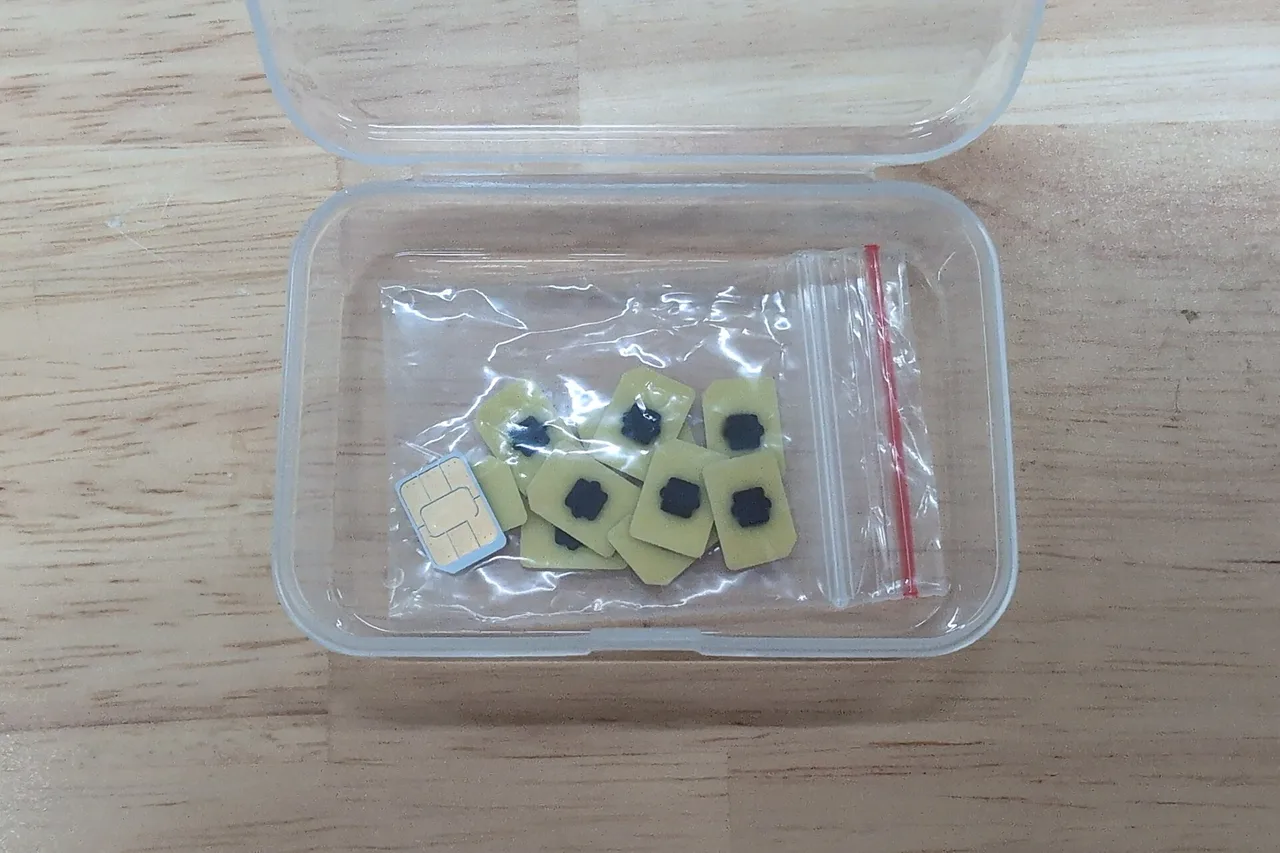
The short answer first: yes, EU roaming applies in Tenerife. The Canary Islands may sit off the coast of Africa, but politically they are part of Spain — and therefore of the European Union. Arrive on a phone plan from any EU country and you will, as a rule, call and browse just as you do at home. It still pays to look closer: UK and Swiss plans do not automatically follow that rule, fair-use limits apply here too, and deep in the Masca gorge or the laurel forest of Anaga, the signal disappears fast. This guide sorts it out honestly — with eSIM prices we checked on 27 November 2026.
EU roaming in the Canaries: what actually applies
Tenerife is a Spanish island, and the Canaries are one of the EU’s “outermost regions”. The “Roam like at home” regulation applies here exactly as it does in Mallorca or Barcelona: the minutes, texts and data of an EU plan are used on your home terms. The EU has extended the rule until 2032. One detail sometimes causes confusion: for customs and VAT, the Canaries have a special status outside the EU tax area — but that makes no difference to roaming.
Two limits are worth knowing. First, fair use: if you spend more time abroad than at home, or have a very large data allowance, you may only get part of it in other EU countries — the exact EU data limit is in your plan’s terms. For a two-week holiday that is rarely an issue; for winter-long stays, more so. Second, the rule only covers plans from the EU and the EEA. Swiss plans have their own roaming packages, and since Brexit many UK networks charge a daily fee for using your allowance in Europe, depending on your contract and when you signed it.
Our advice before you fly: check in your network’s app or account that roaming is switched on, and how much data — or what daily charge — applies in Spain. Two minutes that can spare you a long call to customer service.
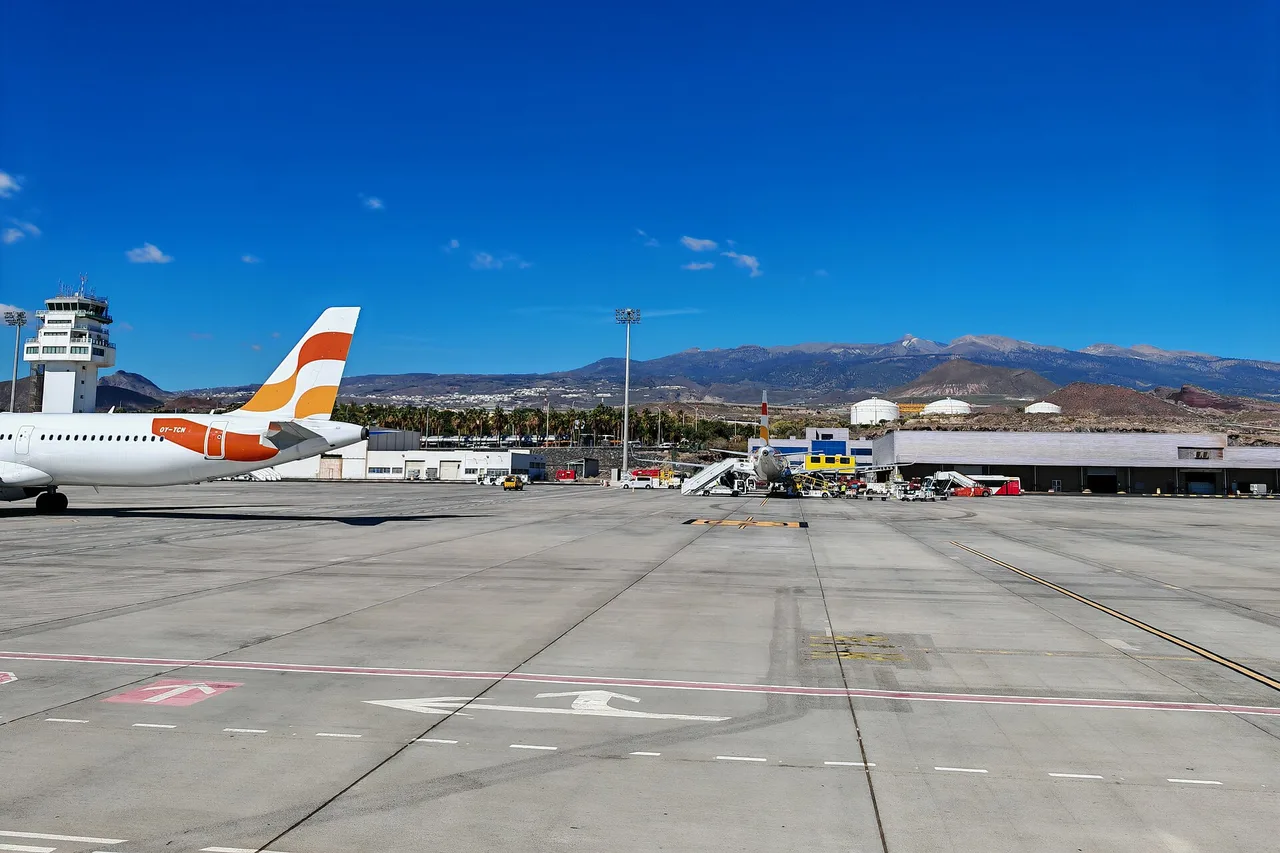
On arrival: airport Wi-Fi and the first minutes
Both of the island’s airports — Tenerife South and Tenerife North (Los Rodeos) — are run by the Spanish operator Aena. Aena offers free Wi-Fi in its airports, on a network called “Airport Free Wifi Aena”; according to Aena, access is unlimited, logging in as a guest or through its customer programme. Handy if you install your eSIM after landing, or your accommodation is waiting for a message.
Full guide: North or South: Where to Base Yourself in Tenerife
Around the island, Wi-Fi is then mostly a matter of hotels, cafés and restaurants. Don’t rely on it for navigation: whether you leave the airport by hire car or bus, you need mobile data from the first roundabout. For the best way to reach the south or the north, see our Tenerife airport transfer guide.
Good to knowWith suitcases, the journey quickly becomes a chore: the easiest option is a driver booked in advance who meets you at the exit and drops you at your door.
Airport transferPre-booked driver on KiwitaxiWithout an EU plan: eSIM or a Spanish prepaid SIM
If you don’t have an EU plan — or your roaming allowance is tight — there are two clean options. The easiest is a travel eSIM: bought before departure in an app, installed by QR code or directly in the app, it switches on when you land. You need an eSIM-compatible, unlocked phone — true of most smartphones from recent years.
Good to knowWith an EU phone plan, roaming works just like at home. If your carrier isn’t European, set up an eSIM before you leave, while you still have signal: it activates when you land.
Travel eSIMOnline from landing, with SailyThe second is a Spanish prepaid SIM card from a shop. One point often catches visitors out: in Spain, anyone buying a prepaid card with a phone number must show ID — anonymous SIM cards do not exist. So take your passport to the shop; requirements for foreign documents vary by operator, so ask if in doubt. A local SIM mainly makes sense for long stays, or if you need a Spanish number, for instance so a rental company can call you back.
A practical tip either way: install the eSIM at home on your own Wi-Fi, not at the baggage carousel. Setup only takes a few minutes, but it needs an internet connection — exactly what you lack if you land without roaming. Your usual SIM stays in the phone: modern smartphones handle two lines side by side, so you still receive texts on your normal number (bank confirmation codes, for example) while data runs over the eSIM. Just choose in your settings which line handles mobile data, and turn off data roaming on your home SIM if your plan falls outside the EU rule. If you buy a Spanish prepaid SIM, the big operators have shops in the island’s towns and shopping centres.
What an eSIM for Tenerife costs
As a reference, here are the prices of Saily, the eSIM service from Nord Security, checked on its official product page on 27 November 2026. The Spain plan explicitly covers the Canary Islands: 1 GB for 7 days at US$3.99 · 3 GB for 30 days at $6.99 · 5 GB for 30 days at $9.99 · 10 GB for 30 days at $15.99 · 20 GB for 30 days at $22.99. There are also unlimited-data plans, priced according to the length you choose. Plans can be shared with up to four travel companions, and a plan you buy can wait up to 180 days before activation.
To be fair about it: these eSIMs provide data, not a Spanish phone number — calls then go over WhatsApp and similar apps. And if you arrive on an EU plan with enough data, you usually need no eSIM at all. It is the answer for travellers from the UK, Switzerland and outside Europe, for tight roaming allowances, and as a backup if your own network is weak on the island.
The island’s networks
Tenerife is served by the big Spanish networks: Movistar, Vodafone and Orange (now merged with MásMóvil and Yoigo into the MasOrange group), plus Digi as the newer challenger. Roaming or on an eSIM, your phone picks one of them — in towns and resorts you won’t notice, as coverage there is dense.
That goes for Santa Cruz and the old town of La Laguna as much as for the southern resorts from Costa Adeje to Los Cristianos, and for Puerto de la Cruz in the north. Exploring the university town — our guide to La Laguna and Santa Cruz sets out the route — you can pull up timetables and maps on the go without trouble. On the main roads around the island, navigation generally works all the way.

Where the signal ends: Masca, Anaga, Teno
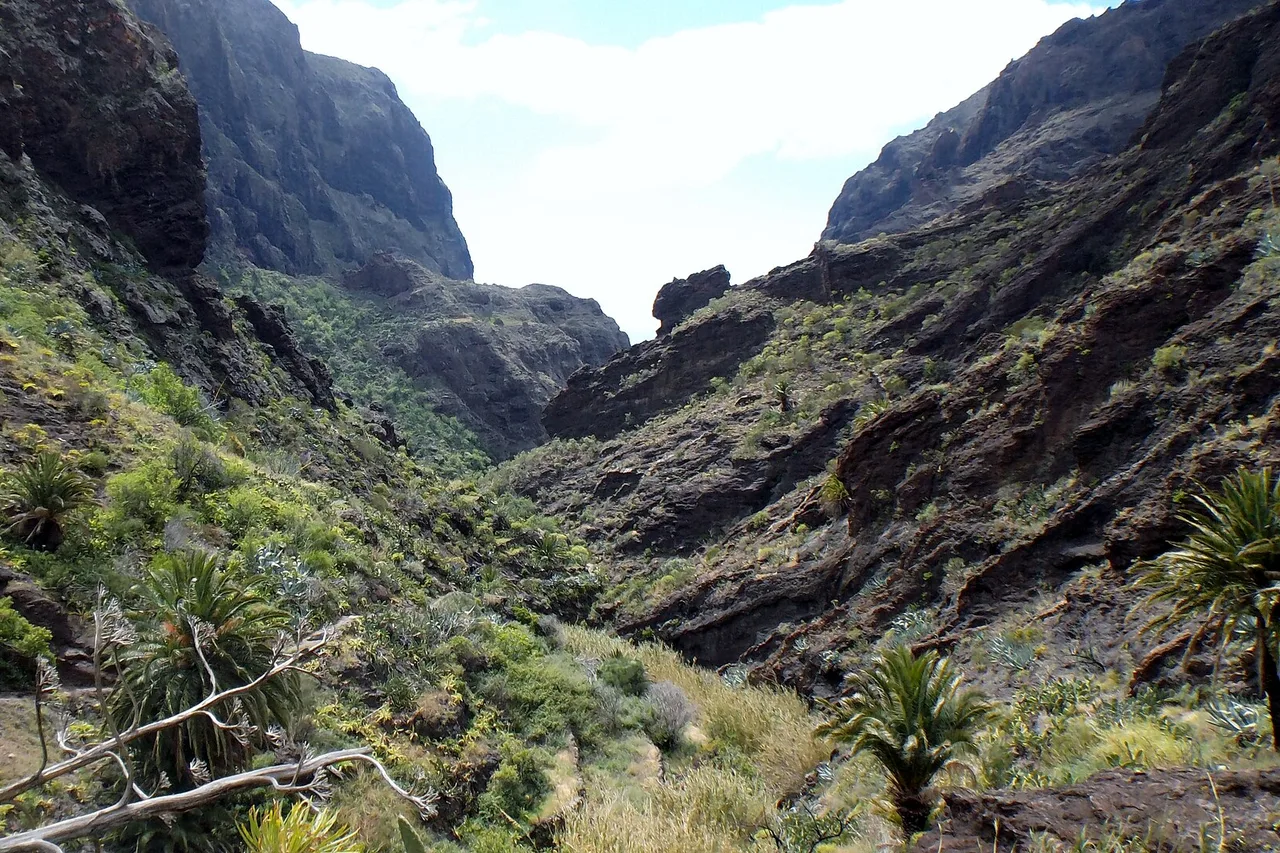
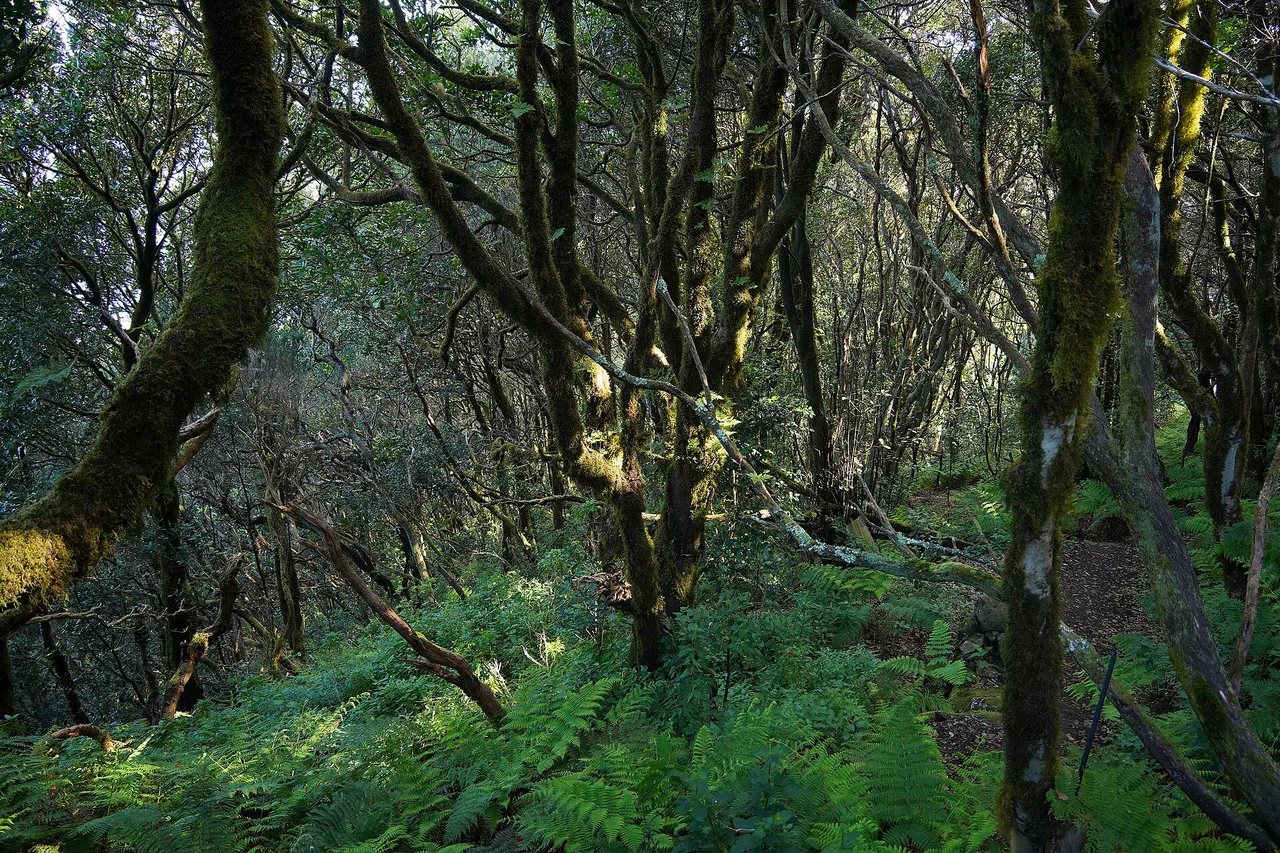
Tenerife is steep, and radio waves don’t like rock walls. In deep gorges and remote valleys, the connection regularly drops — not a fault, just geography. The best-known example is the Masca gorge: the trail descends to the sea between walls of around 600 metres, and over long stretches you should not count on reliable reception. The same goes for the Teno massif and the valleys of the Anaga mountains, where laurel forest, mist and narrow barrancos swallow the signal.
We found no official figures on coverage for individual trails — so we give none. If you want to be sure, check the coverage map of the network your phone connects to before setting off. And plan the day as if there were no signal at all along the way: then every bar is a bonus.
In practice: offline maps, power bank, 112
For anyone going hiking in Tenerife, the takeaway is simple: download everything important before you start — offline maps of the island, the GPX track of the hike, tickets and booking confirmations (for the Masca gorge, for instance, a compulsory booking must be shown on request). In airplane mode with GPS on, your phone navigates reliably even without signal, and a small power bank rescues long walking days.
Full guide: Things to Do in Tenerife: 25 Unmissable Spots, Chosen by Locals
The same applies, on a smaller scale, to drivers: taking a hire car along the winding mountain roads to Masca or into Teide National Park, download the route beforehand. The 112 emergency number works over any available network, even another operator’s — but with no network at all, it cannot get through either. Hence the rule: tell someone your route, especially away from the main trails.
The verdict in one sentence: on an EU plan, Tenerife is as easy to stay connected in as mainland Spain; on a UK or non-EU plan, compare a cheap eSIM with your network’s daily fee — check your allowance before you fly, download your maps, and take the gorges’ dead zones for what they are: a few hours away from the screen.